A Complete Guide to Series
Learn how to organize your posts into sequential series, perfect for tutorials, courses, and multi-part stories.
A series organizes related posts in a sequential order, similar to chapters in a book. Unlike tags, which simply group related content, series suggest a specific reading order from start to finish.
Posts within a series do not need to be published consecutively; the series feature brings together thematically linked posts in a coherent sequence.
The diagram below illustrates how series posts (3, 5, and 8) exist within the main blog flow while maintaining their own ordered sequence within Series 1.
Quick Start
Create a directory for your series.
Create
_index.mdin the series directory.Set up the
_index.mdfront matter:Create your series articles in this directory.
Want more? Keep reading!
How Do Series Work?
A series is just a section which is handled in a special way by tabi. For more details on sections, see the Zola documentation.
Taking the example from the diagram above, the directory structure would be as follow:
content/
    _index.md
    blog/
        _index.md
        post1/
            index.md
        post2/
            index.md
        post4/
            index.md
        post6/
            index.md
        post7/
            index.md
        post9/
            index.md
        series1/
            _index.md
            post3/
                index.md
            post5/
                index.md
            post8/
                index.md
To create a series, you need to:
- Use the
series.htmltemplate - Set
series = truein the section’s[extra]configuration - Enable
transparent = trueto integrate series posts with the parent blog section
The series main page displays an overview followed by a list of all posts in the series:
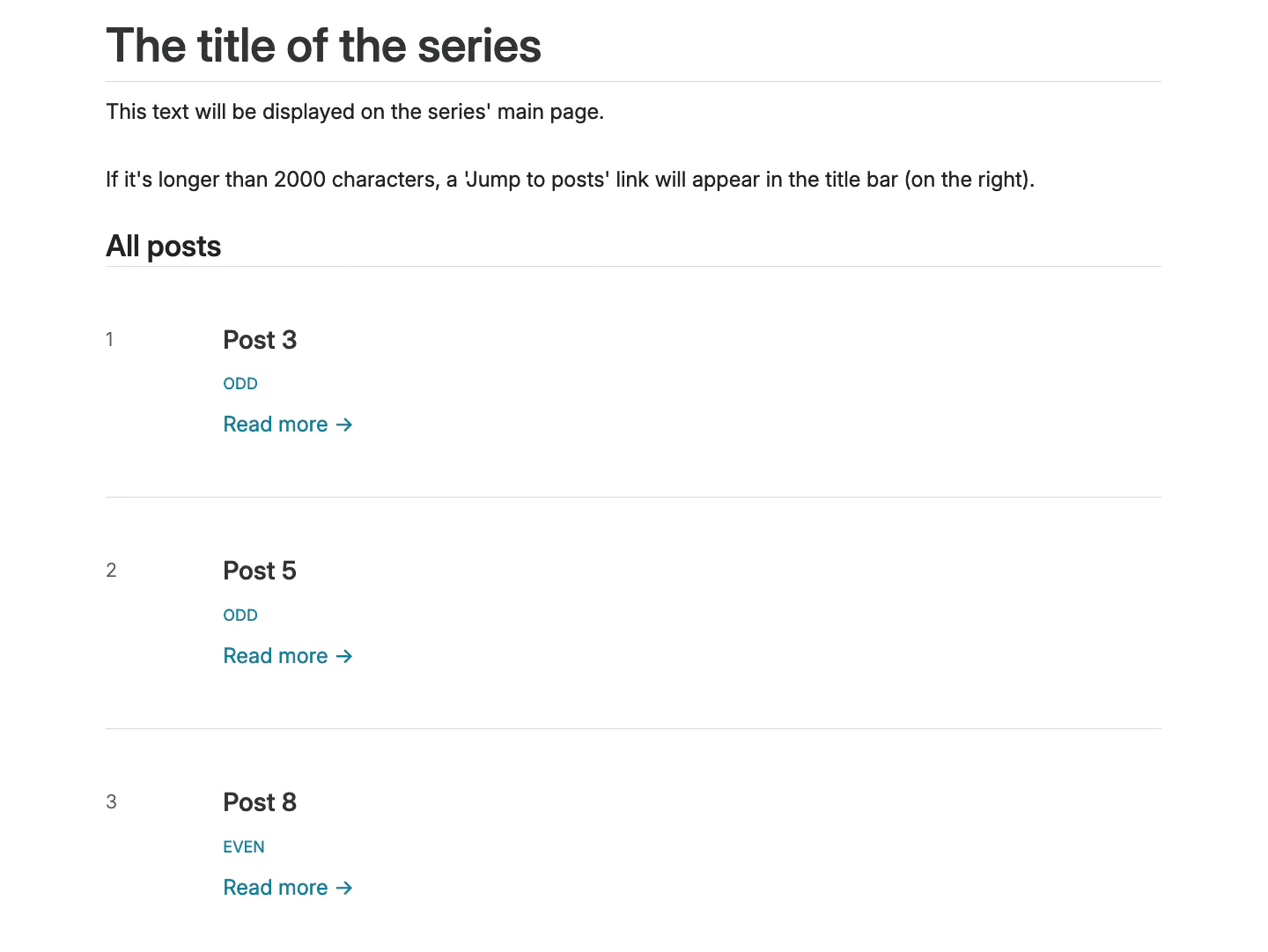
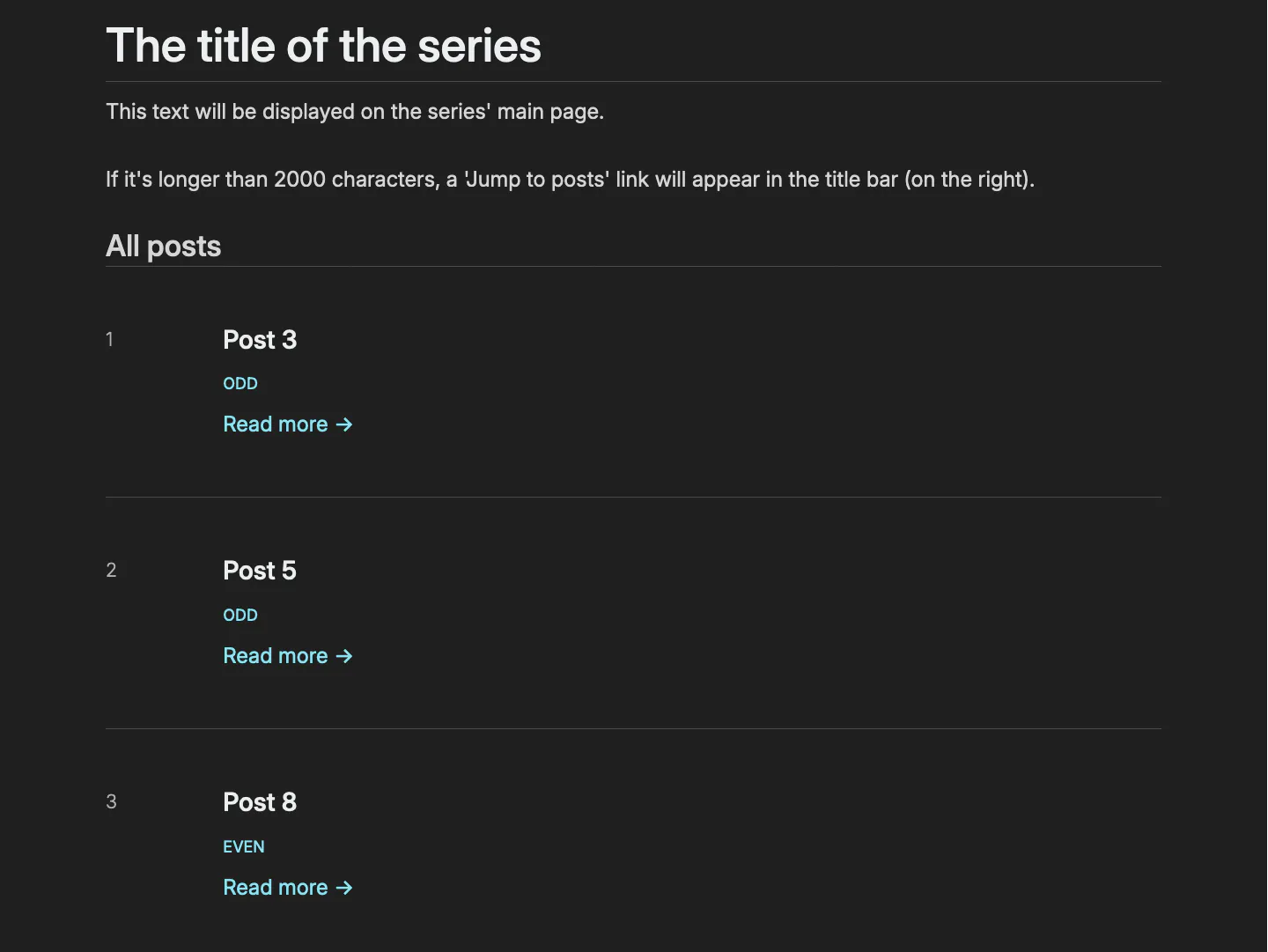
Jump to Posts
If the content of a series (the Markdown after the front matter in _index.md) is over 2000 characters, a “Jump to posts” link appears next to the series title.


To force the feature on or off, set show_jump_to_posts in the [extra] section of your series section or in config.toml. This setting follows the hierarchy.
Series Pages and Order
All pages in the series section will be a series page. The series pages will be ordered as per the series section sort_by.
While series maintain their own internal order, they remain independent from the main section’s (e.g. blog/) chronological flow thanks to the transparent setting.
Sorting Options
Choose from these sorting methods, each with its own advantages:
In order to properly reverse dates, Zola v0.19.3+ (unreleased) is required so that pagination information is available through the get_section function. Anything relying on the series pages order won’t be correct in a series page otherwise (e.g. previous/next series page, ordered and unordered list…) See Zola PR #2653.
Page Indexing
Pages in a series are indexed starting from 1, following their sort_by order. To reverse the indexing (making the first page have the highest index instead), add this setting to _index.md or config.toml:
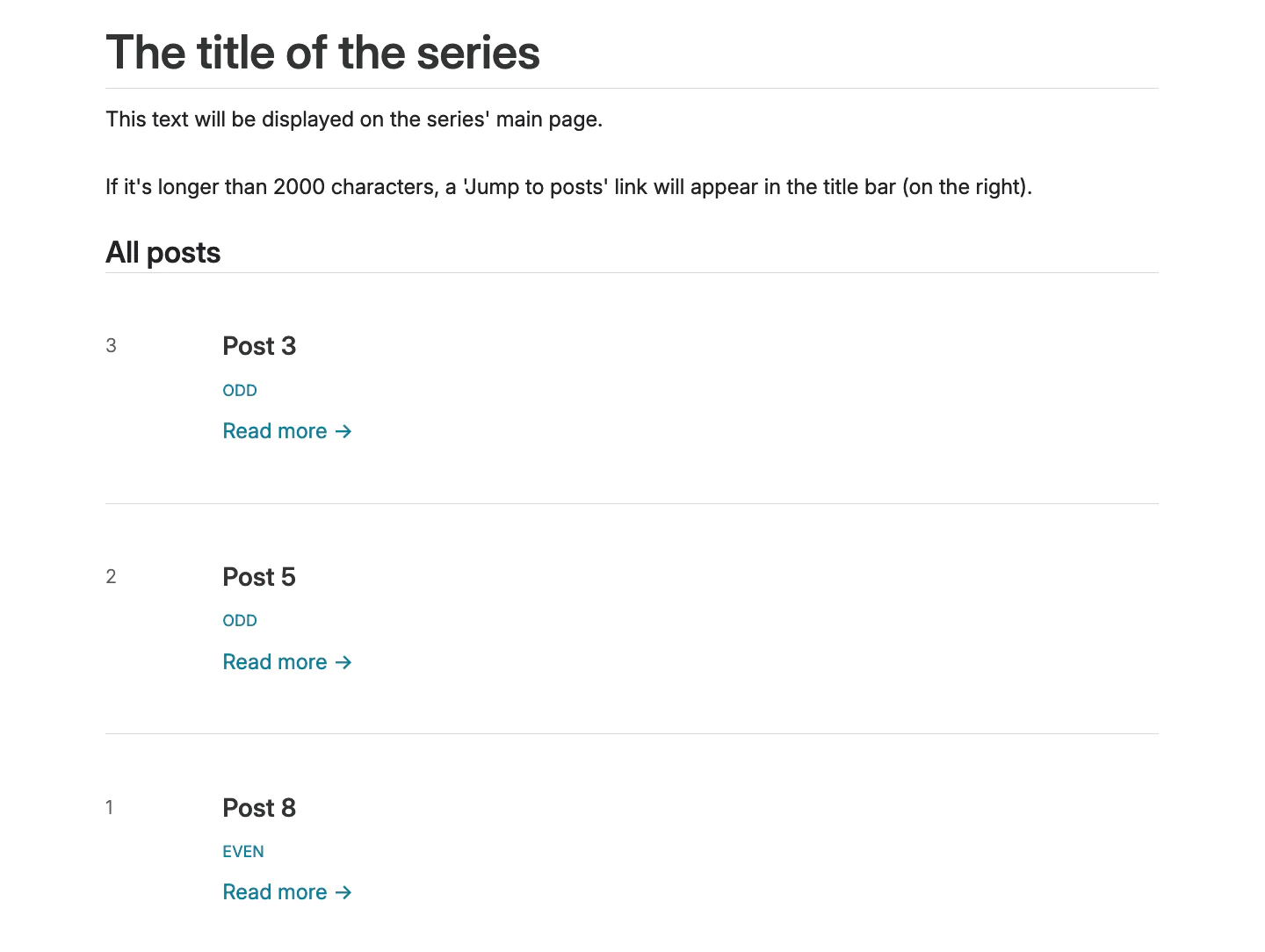
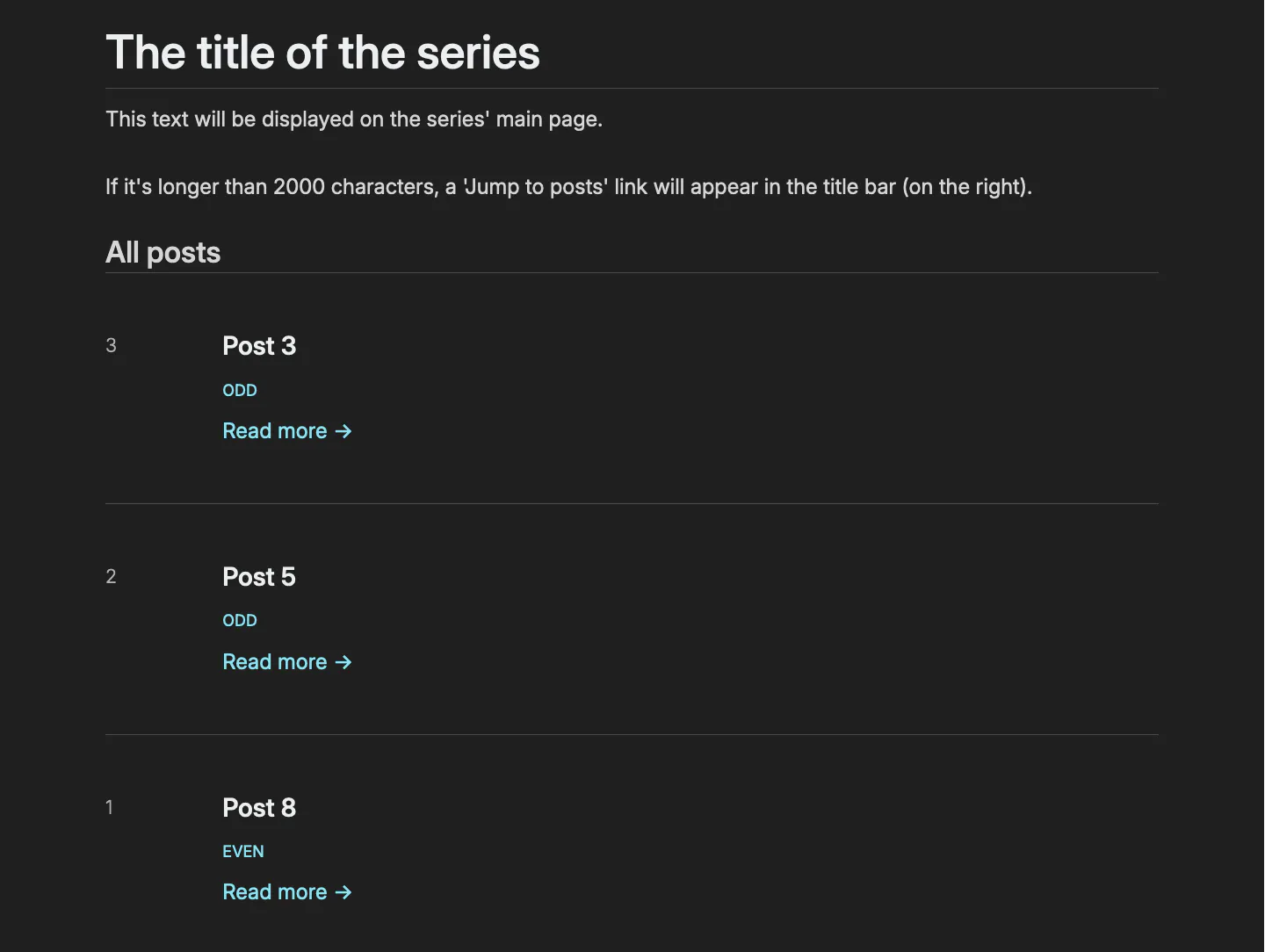
This setting follows the hierarchy.
Intro and Outro Templates
Series articles can have automatic introduction and conclusion sections. These are configured in your series’ _index.md. A basic example:
The intro and outro sections each have their own CSS classes (series-page-intro and series-page-outro), allowing you to customize their appearance through custom CSS.
Template Types
The series system uses different templates based on an article’s position in the series:
next_only- Used for the first article (has next article but no previous)middle- Used for articles with both previous and next articlesprev_only- Used for the last article (has previous article but no next)default- Fallback template used when a specific position template isn’t defined
The system automatically determines which template to use based on the article’s position. The templates are defined in the series configuration (_index.md), as extra.series_intro_templates and extra.series_outro_templates.:
All templates are optional. Template selection follows a priority system:
- If a position-specific template exists (
next_only,middle, orprev_only), it will be used - Otherwise, the
defaulttemplate is used - If no templates are defined at all, no series information will be displayed
See the template example for a more elaborate example.
Placement in Content
By default:
- Series introductions appear at the start of your article
- Series outro appears at the end (before footnotes, if any)
You can control exactly where these appear using <!-- series_intro --> and <!-- series_outro --> in your Markdown:
This paragraph appears before the series introduction.

<!-- series_intro -->

Main content of the article.

<!-- series_outro -->

## Learning Resources

Extra content…

[^1]: Footnotes will always appear at the end.
Variables
Series templates use a flexible variable system that lets you:
- Reference series information (title, links)
- Add navigation between articles
- Show progress indicators
- Include custom information using your own variables
Variables are placeholders starting with $ that get replaced with actual content when your site builds. For example, $SERIES_HTML_LINK becomes a clickable link to your series index page.
There are three types of variables:
- Basic Series Variables: General information about the series
- Navigation Variables: Links to previous/next articles
- Custom Variables: Your own placeholders for additional information
Basic Series Variables
Markdown links like [text]($SERIES_PERMALINK) will be marked (and styled) as external. If you need custom text and want to avoid external styling, use HTML: <a href=\"$SERIES_PERMALINK\">your text</a>.
Navigation Variables
First Article Reference
Template Example
Custom Variables
Series templates support custom variables for additional information you want to include across your series. The process takes two steps:
- First, define your placeholders in your series configuration (
_index.md):
- Then, in each series article, provide the values for these placeholders in
series_template_variables:
Using Custom Variables
You can use your custom variables in any template, alongside the built-in variables:
While placeholders are defined with uppercase ($POSITION), the variable names in series_template_variables must be lowercase (position).
Example with Custom Variables
This will output:
📚 Part 2 of 5
⏱️ Estimated time: 30 minutes
🔑 Key concepts: Functions, Error Handling, Pattern MatchingIf you use a placeholder in your templates but don’t provide its value in series_template_variables, the build will fail with an error listing the missing variables.